
Mobile Smart Lock Service
Kwikset Kevo in Springdale, AR
Call (904) 915-9322 for Kwikset Kevo help in Springdale, AR. We come to your door to install, diagnose, repair, or rekey the lock when it will not respond, the door sticks, or access needs to change.
- Open 24 hours a day, 7 days a week
- Mobile service at your Springdale door
- Licensed and insured
- At least a 6-month warranty on parts and labor
Get a fast quote
How Kwikset Kevo Connects Your Phone to the Lock
Kwikset Kevo is a Bluetooth-enabled deadbolt that pairs with authorized phones or a Kevo fob. When an authorized device is within range, the lock can recognize it for touch-to-open operation. Kevo access is managed through the product’s app and eKeys, rather than a keypad code, so a phone’s Bluetooth settings and app access can affect whether the lock responds.
The lock still has mechanical parts: the bolt moves into the door frame, and the cylinder operates with a physical key. A door that has shifted or a bolt that binds can interfere with operation even when the electronic setup is working. During service in Springdale, we check the door movement, bolt path, power, and device connection to narrow down the cause.
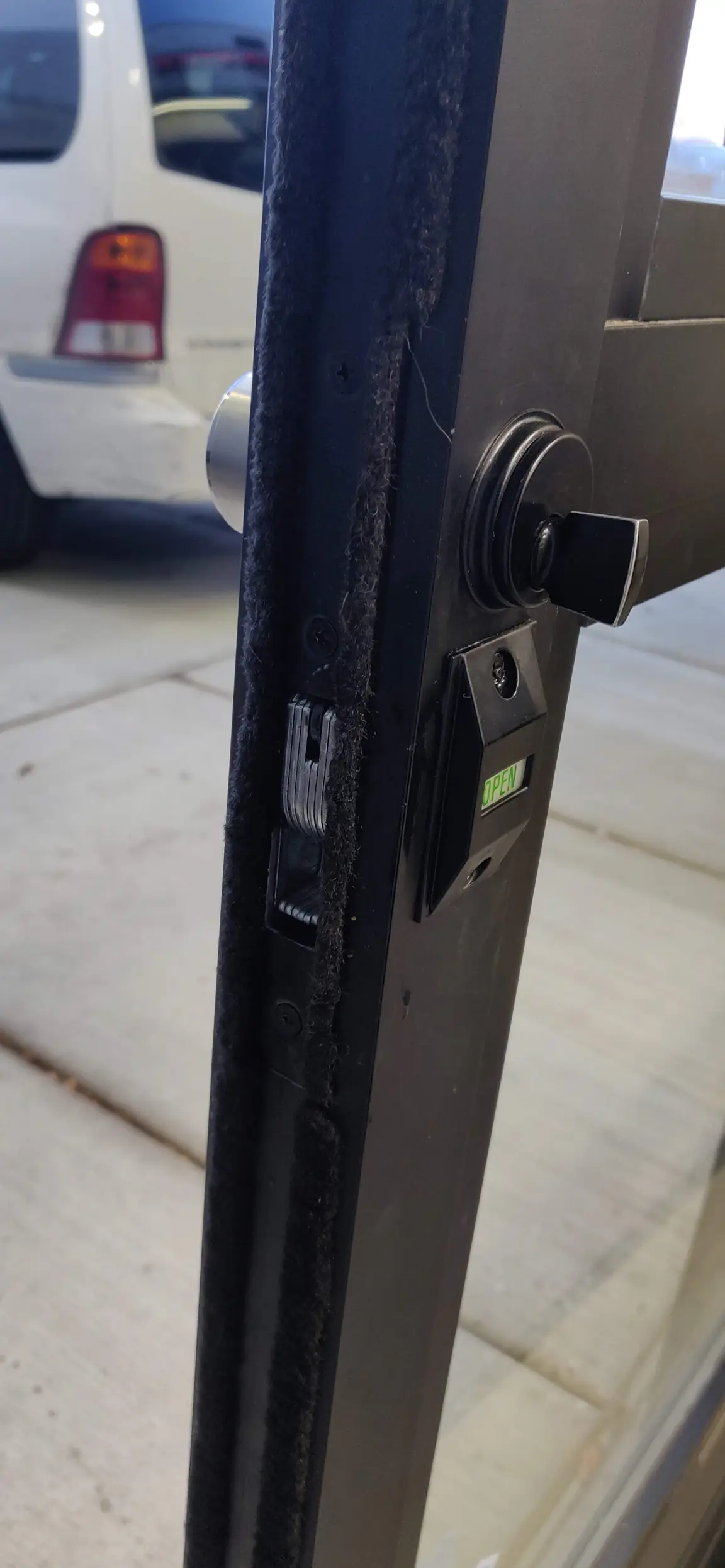
Simple Habits That Help a Kwikset Kevo Work Reliably
- Replace the lock batteries before they are depleted — Use the battery type recommended in your Kevo instructions, and avoid mixing old and new batteries. A fresh set can prevent low power from being mistaken for a phone or connection problem.
- Keep the door moving freely — With the door open, check that the bolt moves smoothly; then close the door and notice whether it rubs or needs pressure to latch. Resistance can point to door or strike alignment rather than an electronic fault.
- Keep the phone’s access settings ready — Check that Bluetooth is on and that the Kevo app has the permissions it needs on your phone. App or phone settings can change after updates, even if the lock itself has not changed.
- Keep the lock dry and clean — Wipe the exterior with a soft, lightly damp cloth and keep liquid away from the electronic components. Do not spray cleaner into the lock or force a bolt that is binding.
Need help now? (904) 915-9322
Kwikset Kevo Installation, Repair, and Rekeying in Springdale
For Kwikset Kevo installation, we check the existing deadbolt opening, door thickness and movement, and strike alignment before fitting the lock. We then check that the bolt travels properly and that the owner can complete the electronic setup.
- Diagnose a lock that will not respond — We separate likely power, phone-connection, and mechanical issues by checking the batteries, device connection, bolt movement, and door alignment. That helps identify whether the lock needs a setup correction, repair, or a closer inspection.
- Repair a sticking or inconsistent deadbolt — We inspect how the bolt moves through the door and into the frame, then look for binding or a part that needs attention. A Kevo that works with the door open but struggles when it is closed may have an alignment issue.
- Check whether a Kwikset Kevo rekey is suitable — Rekeying changes which physical key operates a compatible cylinder; it does not add a phone or guest to the electronic access list. We check the lock’s cylinder before recommending rekeying, and can also help with rekeying for other compatible locks.
- Help restore access setup — We can assist with the lock’s owner setup and authorized eKey access. Before resetting a lock, make sure you can complete setup again, because a reset can remove existing electronic access.
- Replace the lock when repair is not the right fix — If the lock has damaged components or keeps failing after the underlying cause is addressed, replacement may make more sense than continued repair. We can also assess the door and explain whether a different Kwikset deadbolt suits the existing opening.
Three Safe Checks for a Kwikset Kevo That Is Not Working
- Check the lock batteries — Replace depleted batteries with the type specified in your Kevo instructions. If the lock still does not respond with fresh batteries, note whether it gives any normal indication when you try an authorized device.
- Check your phone and access — Turn on Bluetooth, confirm the Kevo app is available, and check its phone permissions. If a guest’s access is the issue, confirm that their invitation or eKey is still active in the app.
- Check door alignment without forcing the bolt — With the door open, see whether the bolt moves smoothly. If it works open but binds when the door is closed, or if the door needs pressure to latch, stop forcing it and tell us what you noticed.
Need help now? (904) 915-9322
Frequently asked questions
Should I repair or replace my Kwikset Kevo?
Repair may be appropriate when the problem comes from depleted batteries, a setup issue, door alignment, or a serviceable part. Replacement is worth considering when components are damaged or the lock continues to fail after the cause is addressed. We inspect the lock and door before recommending which route fits the problem.
What happens if my phone or Kwikset Kevo batteries run out?
A phone with no power cannot provide its electronic access, and depleted lock batteries can stop the electronic function. Kevo deadbolts have a physical key cylinder, so keep an authorized key accessible separately from your phone. Replace lock batteries according to the product instructions rather than forcing the bolt.
What should I check when my Kwikset Kevo stops responding?
Start with fresh lock batteries, then check that Bluetooth and the Kevo app are available on your authorized phone. Test the bolt with the door open to see whether the closed door is putting pressure on it. Avoid a factory reset until you know you can restore the owner setup and authorized access.
Can Kwikset Kevo fit on my existing door in Springdale?
It may fit if the door’s existing deadbolt preparation matches the lock’s installation requirements and the door moves and latches correctly. We check the opening, door thickness, bolt path, and strike alignment before installation. If the door binds, correcting that issue may be needed for reliable operation.
How do I add a user or guest to my Kwikset Kevo?
The owner manages electronic guest access through the Kevo app by sending an eKey to the guest’s authorized phone. The guest needs a compatible phone and the app set up to use that access. If you cannot manage the owner account or the invitation does not work, we can check the lock setup with you.
Get Kwikset Kevo Help at Your Door
Call (904) 915-9322 for mobile Kwikset Kevo service in Springdale, AR.