
Kwikset Keypad Help
How to Program a Kwikset SmartCode Keypad
For Kwikset SmartCode programming, call (904) 915-9322 if a code will not save or the keypad will not respond; we come to you to inspect the lock. We’re open 24 hours a day, 7 days a week.
- Mobile locksmith service—we come to you
- Open 24 hours a day, 7 days a week
- Licensed and insured
- Owner Ryan Mitchell has 28 years of locksmith experience
What to Check Before Kwikset SmartCode Programming
These steps cover adding a user code on SmartCode models that use an interior Program button followed by a code and the Lock button. Keep the door open while programming and testing so a failed entry does not leave you locked out.
Kwikset has multiple SmartCode models, and their button layouts and programming signals can differ. Check the instructions for your exact model on Kwikset Support before using a sequence that does not match your keypad.
- Your working key or current code — Use your key or current code to unlock the door before you begin. Keep the door open and unlocked for the full setup and test.
- The keypad’s interior Program button — Open the interior battery cover if needed and find the button marked Program. Do not confuse it with the keypad’s Lock button on the outside.
- A code you can enter accurately — Choose a code you can remember and enter consistently. Check the instructions for your model to confirm the allowed code length and any restrictions.
- Working keypad power — Check that the batteries are seated and the keypad responds to button presses. A weak or interrupted power supply can prevent a code from saving.
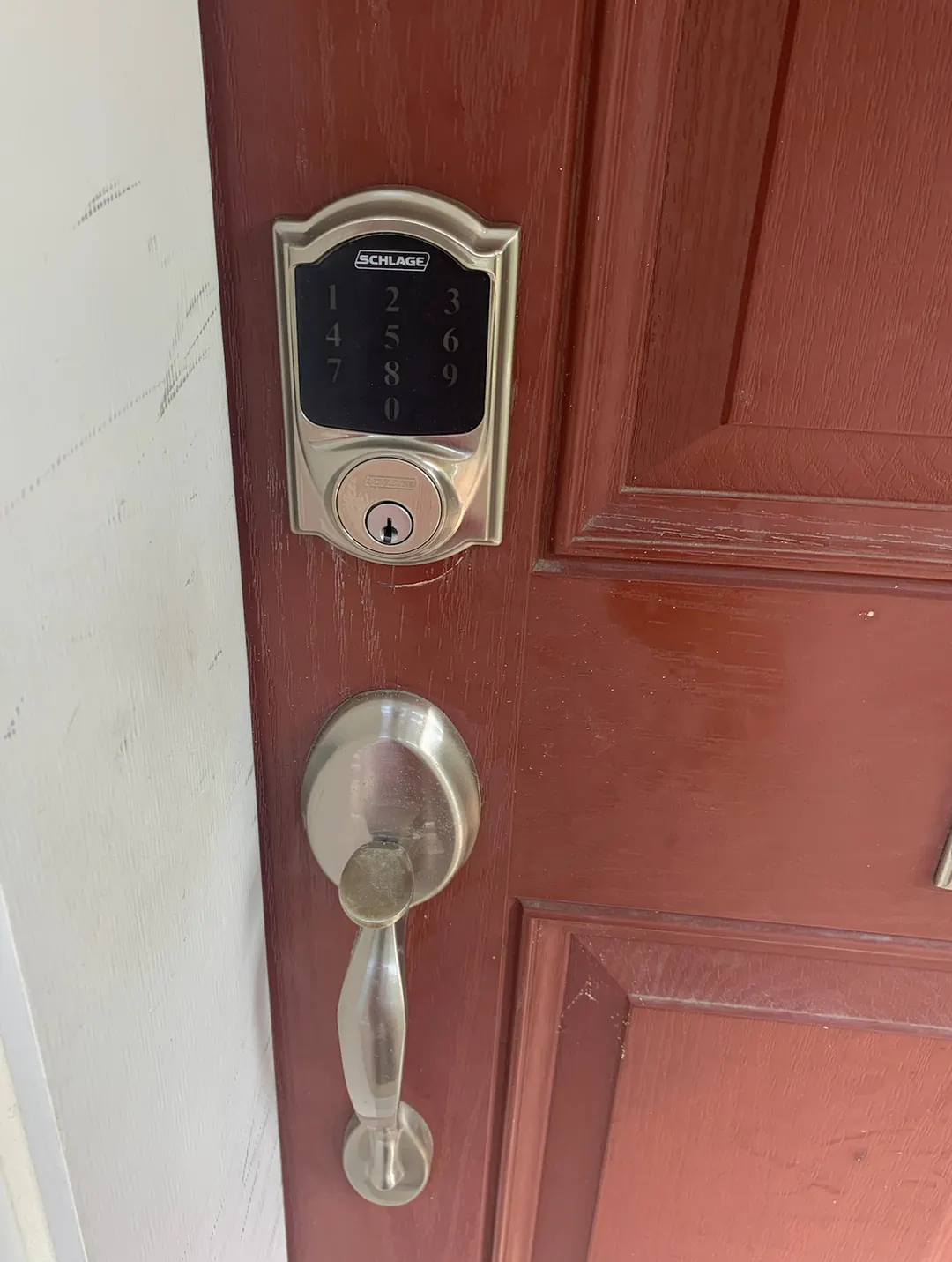
How to Add a Code to a Kwikset SmartCode Keypad
Use this sequence only when your model has an interior Program button and its instructions call for this order. The model’s indicators may differ, so check its published instructions for the expected confirmation.
- Leave the door open — Unlock the door with your key or current code, then leave it open. Keep it open until you have confirmed that the new code works.
- Locate the Program button — Open the interior battery cover if necessary and identify the Program button. Make sure the keypad is responsive before starting.
- Press Program once — Press and release the interior Program button one time. On models using this sequence, this starts the user-code entry step.
- Enter the new user code — Use the outside keypad to enter the code you selected. Press each key deliberately and avoid pausing long enough for the keypad to time out.
- Press the Lock button — Press the outside Lock button once to submit the code. Watch and listen for the confirmation signal specified for your model.
- Test with the door still open — Wait for the keypad to return to its ready state, then enter the new code and press Lock. Confirm that the deadbolt moves as expected before closing the door.
Need help now? (904) 915-9322
Why Kwikset SmartCode Programming May Not Work
A failed code entry can come from the model’s programming sequence, power, or the keypad’s response. Check one issue at a time, and keep the door open while troubleshooting.
The button sequence differs
Some SmartCode models use a different procedure or have a different button layout. Compare your keypad with the model-specific instructions at Kwikset Support instead of repeating a sequence that does not match.
The batteries do not provide steady power
If the keypad is dim, unresponsive, or stops partway through entry, check that the batteries are installed correctly and have power. Try programming again only after the keypad responds normally.
The entry timed out or was incomplete
A pause, missed key, or extra press can interrupt entry. Start again from the beginning, enter the code carefully, and submit it with the Lock button if your model uses this sequence.
The lock needs attention beyond code setup
If the keypad responds but the deadbolt does not move freely during the open-door test, stop before closing the door. A sticking or unresponsive lock may need repair rather than another programming attempt.
When a Kwikset SmartCode Needs a Locksmith
Call a locksmith when you cannot identify the correct programming sequence for your model, the keypad will not accept a code after you follow its instructions, or the deadbolt does not operate properly during the open-door test. We provide mobile locksmith service and come to you; call (904) 915-9322 to arrange help. You can also contact us or read about our Kwikset SmartCode keypad lock help.
Need help now? (904) 915-9322
Frequently asked questions
Do I need to leave the door open while programming a Kwikset SmartCode?
Yes. Keep the door open while entering and testing a new code so a programming error does not leave you locked out. Test the new code before closing the door.
Why does my Kwikset keypad beep or flash but not save the code?
The sound or light can indicate whether the entry was accepted, but the signal varies by model. Check the model-specific instructions and confirm that you entered the code in the correct order.
Can I add a Kwikset SmartCode user code without the current code?
Programming requirements vary by model, so check the instructions for your exact lock before changing its setup. Do not try to bypass the keypad; call a locksmith if you cannot use the lock’s normal owner procedure.
What should I do if the keypad accepts my code but the deadbolt will not move?
Keep the door open and stop testing if the deadbolt sticks or fails to move. The issue may involve the lock’s operation rather than the code, and a locksmith can inspect it on site.
Need Help With Your Kwikset SmartCode?
Call (904) 915-9322 for mobile locksmith service. We’re open 24 hours a day, 7 days a week.