
Lock Rekeying Guide
How to Reset a Kwikset SmartKey Lock
Call (904) 915-9322 if you do not have the key that currently operates the lock. For a Kwikset SmartKey reset, use the steps below with the working key and SmartKey tool.
- Mobile locksmith service—we come to you
- Open 24 hours a day, 7 days a week
- At least a 6-month warranty on parts and labor
- Owner Ryan Mitchell has 28 years of locksmith experience
What You Need Before a Kwikset SmartKey Reset
A SmartKey reset changes which key operates a compatible lock; it does not remove the lock from your door. Start with the door open so you can test the key before the door is closed. Use the key that currently operates the lock, and do not force a key or tool that does not fit.
- The working key — You need the key that currently operates the lock to begin the rekeying sequence. If you have lost it or it no longer turns the lock, stop here and contact a locksmith.
- A new key — Choose the replacement key you want to use. It must be a compatible Kwikset key for the specific SmartKey lock; a key that fits the keyway is not necessarily compatible.
- The SmartKey tool — Use the SmartKey learning tool supplied for the lock. It fits into the small SmartKey hole beside the keyway; do not substitute another object.
- A clear work area — Keep both keys within reach and leave the door open while you work. That lets you check that the new key operates the lock before you rely on it with the door shut.
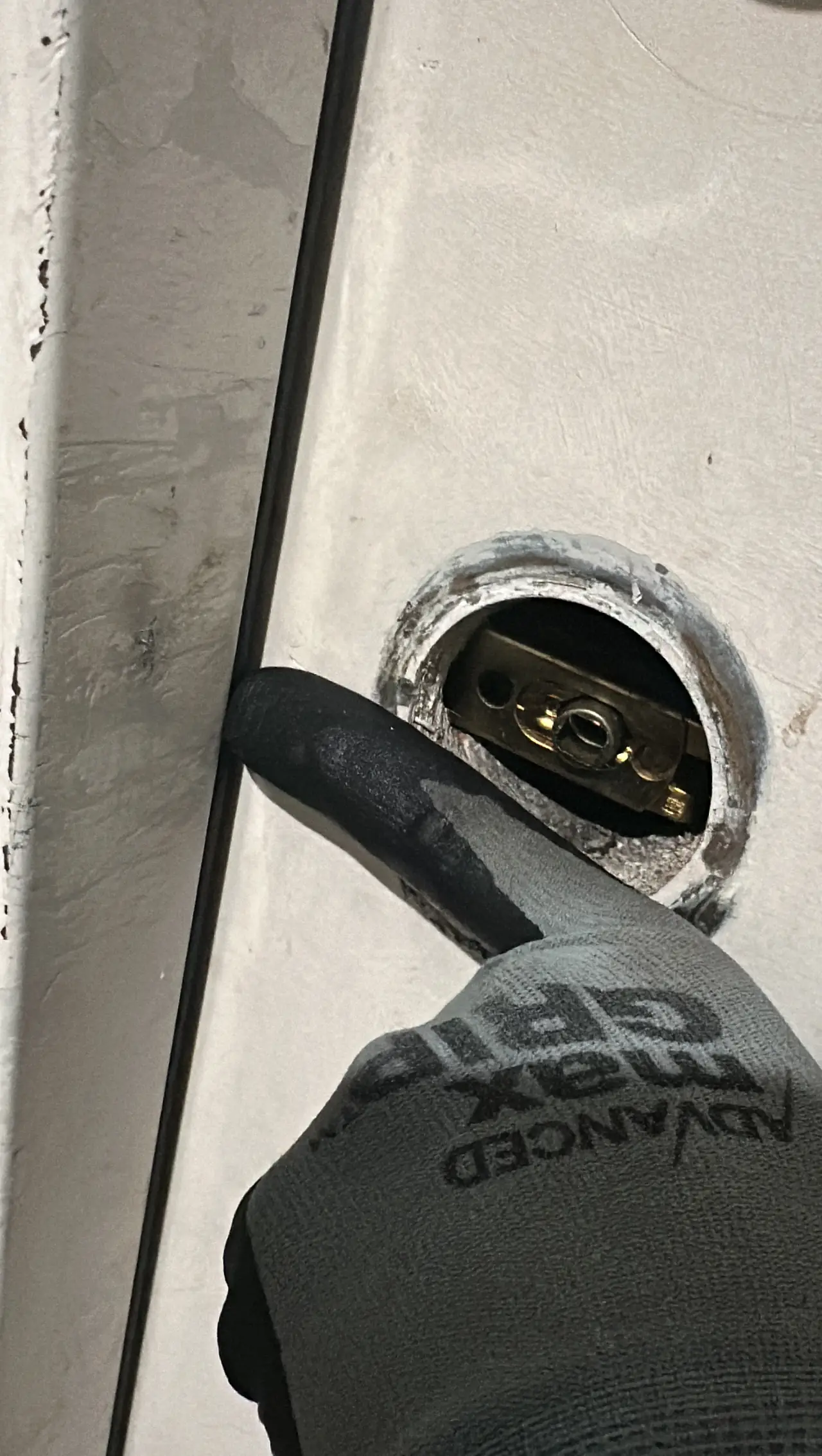
How to Reset a Kwikset SmartKey Lock
Use this sequence only when you have the currently working key and the correct SmartKey tool. The key must be fully inserted, and the lock should be in its normal unlocked position before you begin.
- Insert the current key — Put the key that operates the lock all the way into the keyway. Check that it is seated fully before turning it.
- Turn the key one-quarter turn clockwise — Rotate the key 90 degrees clockwise. It should remain in that turned position for the learning-tool step; do not pull it out yet.
- Insert and remove the SmartKey tool — Push the tool fully into the SmartKey hole beside the keyway, then pull it straight back out. You may feel a click as the tool engages; do not twist the tool.
- Remove the current key — Pull the current key straight out while the lock remains in the turned position. If the key will not come out smoothly, do not force it or continue to the next step.
- Insert the new key — Put the replacement key all the way into the keyway. Keep it straight and fully seated as you turn it.
- Turn the new key and return it to the starting position — Rotate the new key one-half turn counterclockwise, then bring it back to the vertical starting position. Remove it only after it is back in the position where a key can be withdrawn.
- Test the new key with the door open — Remove and reinsert the new key, then turn it to check that it operates the lock smoothly. Test the current key as well; it should no longer operate the lock. Keep the door open until the new key has passed the test.
Need help now? (904) 915-9322
What Can Stop a Kwikset SmartKey Reset
A reset that does not complete usually points to a key, tool, or lock-position issue. Stop if a part binds; forcing it can damage the lock or leave you without a working key.
The current key is not the working key
The sequence starts with the key that already operates the lock. A copy that does not turn it reliably may not set the lock for rekeying.
The SmartKey tool did not engage
The tool must enter the SmartKey hole fully and straight. If it will not seat, check that you are using the correct tool and that the key is still in the required turned position.
The replacement key is incompatible
A key can fit the keyway but still be unsuitable for that SmartKey lock. Use a compatible key rather than forcing one that sticks or will not turn.
The lock does not match this sequence
SmartKey generations and lock designs can have different instructions. Check the product’s instructions at Kwikset support for the exact model before trying again.
When to Call a Locksmith for a SmartKey Lock
Call a professional if you have lost the working key, the key or tool will not move freely, the lock fails the open-door test, or you are unsure whether the lock uses this SmartKey procedure. We provide Kwikset SmartKey rekey and repair, and our mobile locksmith comes to you. For service, contact us at (904) 915-9322; we are open 24/7.
Need help now? (904) 915-9322
Frequently asked questions
Is resetting a Kwikset SmartKey lock the same as changing its key?
Yes. This procedure rekeys a compatible SmartKey lock so it works with a different key while the lock remains installed. It does not reset a keypad code or replace a lost working key.
Can I reset my SmartKey lock without the current key?
No—the owner procedure starts with the key that currently operates the lock. If that key is lost or will not turn, do not try to force the lock; contact a locksmith for rekeying or repair.
How can I tell whether the new key took?
With the door open, remove and reinsert the new key and check that it turns the lock smoothly. Then test the previous key; it should no longer operate the lock. Do not close the door until the new key works.
What should I do if the new key will not turn after the reset?
Do not force the key or repeat the sequence if the tool, key, or lock binds. Confirm that the replacement key is compatible and that the procedure matches your lock; contact a locksmith if it still will not operate.
Need Help With Your Kwikset SmartKey Lock?
Call (904) 915-9322 for mobile rekeying or repair. We come to you, 24 hours a day, 7 days a week.