
Schlage Keypad Guide
How to Program a Code on a Schlage Keypad Lock
For a Schlage keypad reset or a code that will not work, call (904) 915-9322. If you have the current programming code, use the steps below to add a user code and test it before closing the door.
- Open 24 hours a day, 7 days a week
- Mobile locksmith service comes to you
- Ryan Mitchell has 28 years of locksmith experience
- At least a 6-month warranty on parts and labor
Before a Schlage Keypad Reset, Check These Details
These steps cover common Schlage keypad locks that use a Schlage button and a current programming code. Keep the door open while you program and test the lock, so you can check its operation without relying on the new code to get back inside.
- The current programming code — You need the lock’s programming code to add or delete user codes. It is different from the code you enter to unlock the door.
- A new user code — Choose a code that fits your lock’s requirements. Many common Schlage keypad locks use four-digit user codes, but the accepted length and code capacity can vary by model.
- The lock’s model information — Check the lock or its paperwork so you can match the button sequence to your exact model. Schlage’s support page provides model-specific manuals.
- Access to the inside of the door — Leave the door open so you can operate the inside thumbturn or lever and confirm the bolt moves freely after programming.
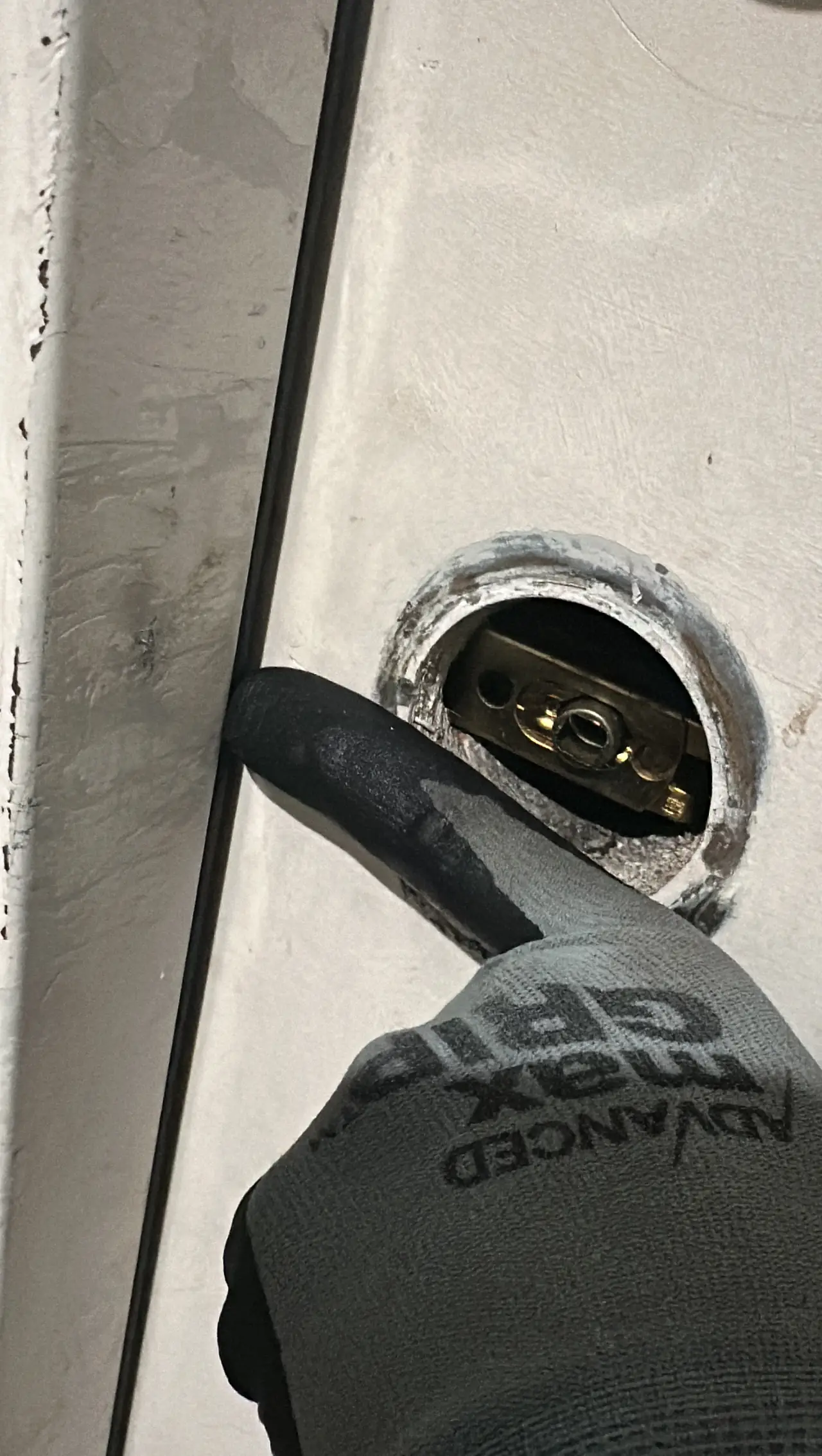
Program a Schlage Keypad Code in This Order
On common Schlage keypad locks, the programming sequence starts with the current programming code, then uses the Schlage button and a numbered command. Follow this order only if it matches your model’s keypad and instructions.
- Keep the door open — Open the door and leave it open for the full setup and test. This lets you check the lock without risking a lockout.
- Enter the programming code — Type the current programming code on the keypad. Use the code assigned to the lock, not one of the regular user codes.
- Press the Schlage button — Press the Schlage button after entering the programming code. On common models, the keypad signals that it is ready for a programming command.
- Press 1 to add a code — Press 1, then enter the new user code. Use a code length your particular lock accepts.
- Enter the new code again — Type the same new code a second time to confirm it. Watch or listen for the lock’s success signal; its lights and sounds differ across models.
- Test before closing the door — Enter the new user code with the door still open. Then operate the inside thumbturn or lever to check that the bolt moves as expected.
Need help now? (904) 915-9322
If Your Schlage Keypad Code Won’t Program
A missed button press or a mismatch between the keypad sequence and the lock model can stop setup. Check these points before trying the sequence again.
The programming code is not accepted
Make sure you entered the current programming code rather than a user code. If the code has been changed or you do not know it, stop instead of guessing.
The new code is rejected
The code may not meet your lock’s length requirements or may already be in use. Check the instructions for your model and choose a different code if needed.
The keypad sequence does not match
Schlage models do not all use identical controls or programming steps. Compare the buttons and order on your lock with the model-specific instructions before repeating the process.
The lock gives an error signal
A red light, repeated beeps, or another error signal can mean the lock did not accept a step. Signals vary by model, so use the matching instructions rather than relying on a generic signal chart.
When a Schlage Keypad Reset Needs a Locksmith
Call a locksmith if you do not have the current programming code, the lock keeps rejecting the correct sequence, or the bolt binds during your open-door test. A factory reset is different from adding a user code and can remove stored codes; use the procedure for your exact model before resetting. We provide mobile locksmith service in Springdale and Northwest Arkansas towns within 30 miles, and we are licensed and insured. For Schlage keypad lock repair and codes, or to contact us, call (904) 915-9322.
Need help now? (904) 915-9322
Frequently asked questions
What is the difference between a Schlage programming code and a user code?
The programming code lets you make changes such as adding or deleting user codes. A user code is the code you enter on the keypad to unlock the door.
Can I add a Schlage user code without deleting the codes already saved?
Common Schlage keypad locks let you add a user code using the programming code and the add-code command. The number of codes a lock can store varies by model, so check your model’s instructions before adding more.
Will a factory reset erase the codes on my Schlage keypad lock?
A factory reset can erase stored user codes and restore the lock’s original settings. The reset procedure differs by model, so identify your lock before starting.
What should I do if the new code works but the bolt does not move freely?
Keep the door open and do not force the bolt. If it still binds during the open-door test, call a locksmith to inspect the lock and door alignment.
Need Help With a Schlage Keypad Lock?
Call (904) 915-9322 for mobile locksmith service. We come to you in Springdale and Northwest Arkansas towns within 30 miles.